8.15 Vision System
Visual task programming can be considered to be on the same level as RL motion task programming. Through "Programming" - "Vision", the visual task editing interface can be opened.
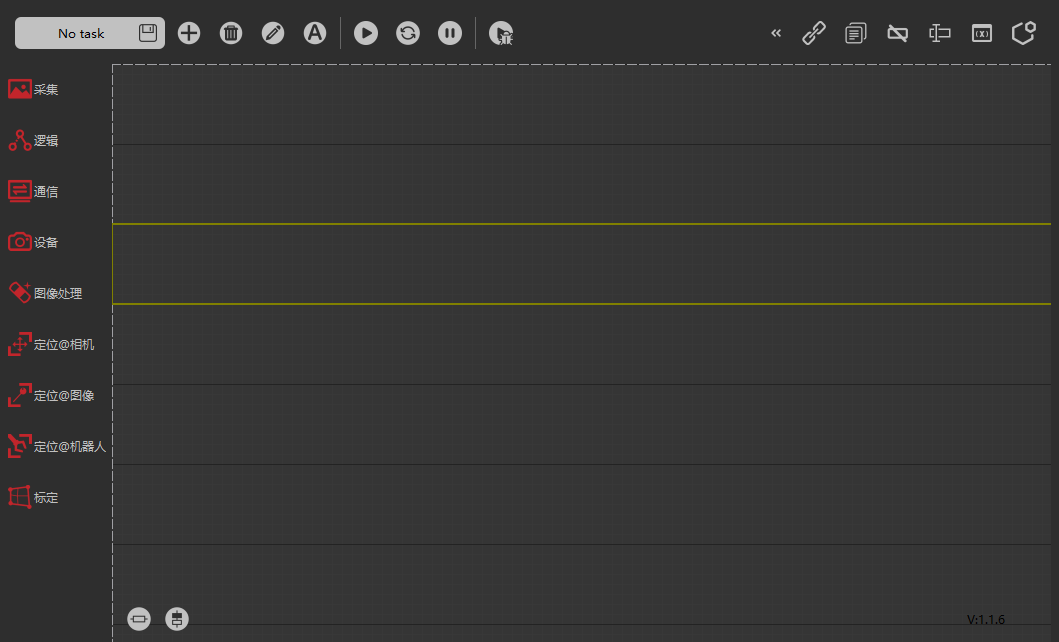
Visual task is also a kind of "task". Click "Task" to view, create, open, and rename visual tasks.
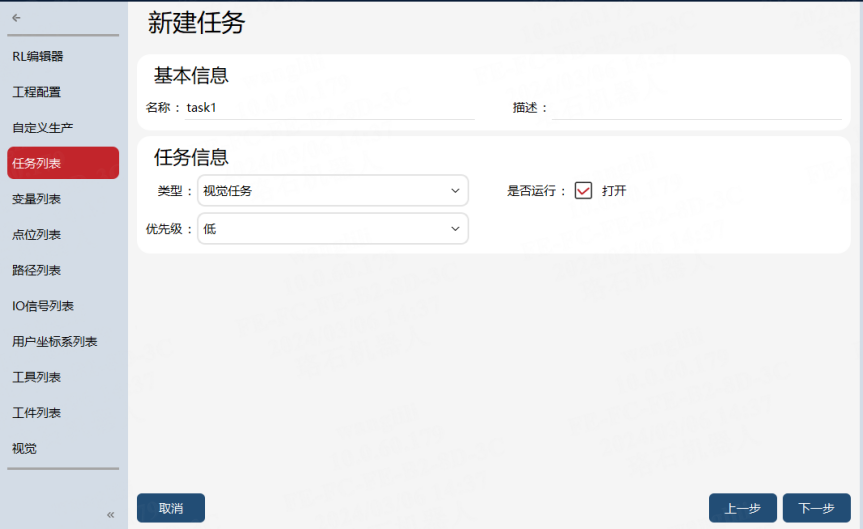
Checking the "Run or Not" attribute of the visual task, which is defined as the "Auto-start on Power-on" function in the visual task. After loading the selected project in the robot project, the visual task with the "Run or Not" attribute checked will automatically load and run in a loop.
Attention: Only one vision task can be checked.
For more information on vision functions, please refer to the xVision Robot Vision User Manual.