8.1 Introduction to this chapter
Industrial/collaborative robots are highly flexible production tools that can be programmed by users to meet different needs.
This chapter will introduce all aspects of programming the xCore control system.
Starting with this chapter, users will gradually gain an in-depth understanding of advanced use methods such as xCore programming, setting, and communication.
8.2 Introduction to project
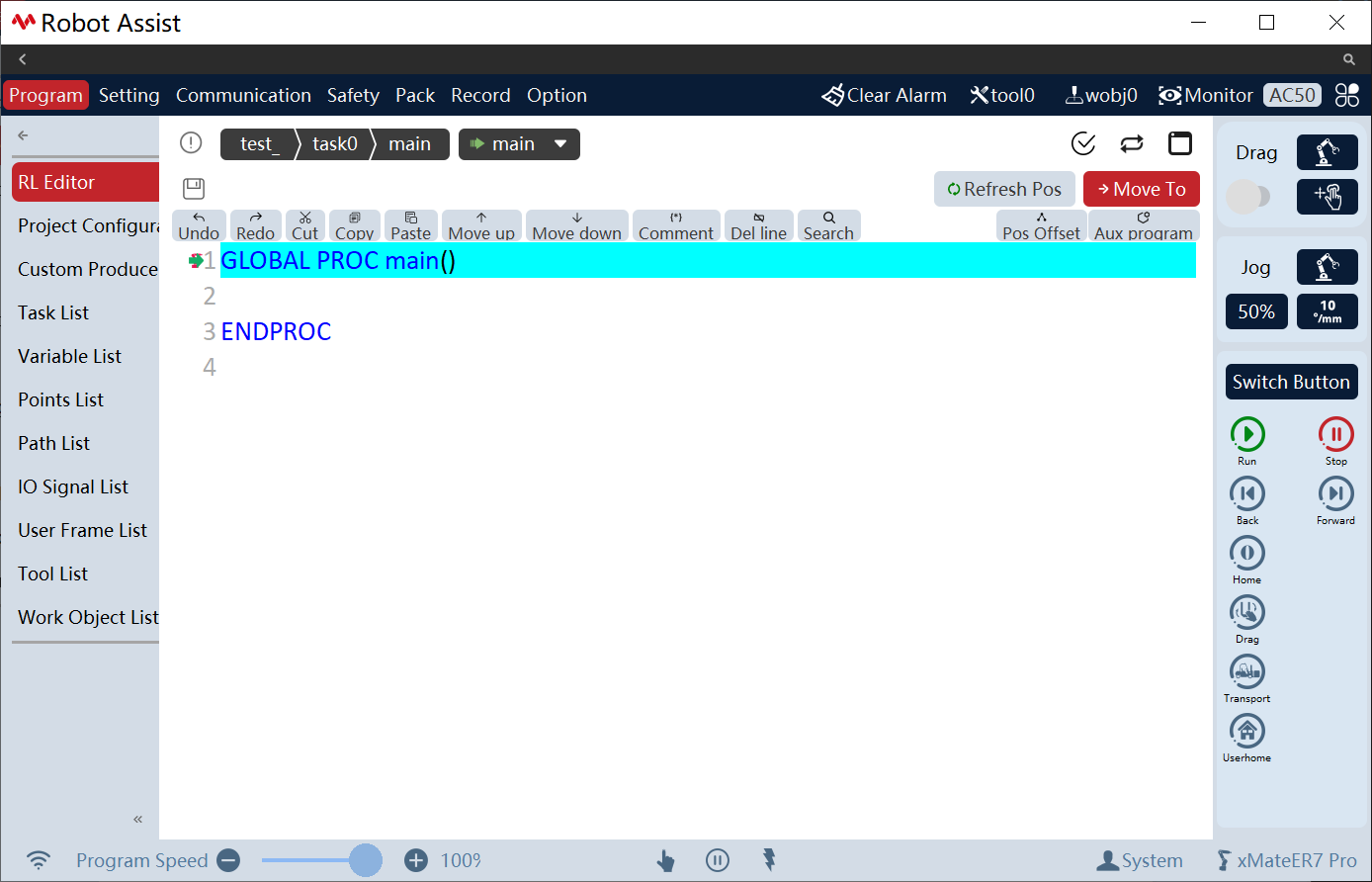
xCore manages users' programming on a project basis. A typical project includes RL program, custom user interface, tasks, variables, points, paths, IO, user frame, tool frame, and work object frame.
It is divided into four levels according to the range size:
Project |
Project |
The highest level, including various information. A project can contain multiple tasks, each of which is independent and interacts with each other only by the interfaces provided; The robot can only select and execute one project at a time; |
Task |
Task |
A task can contain multiple program modules, but there is only 1 main.mod; In the main.mod, there is a GLOBAL PROC main, which serves as the entry function for the entire project. Loading and executing a project is essentially executing the main function; |
Module |
Module |
It is divided into program module (.mod) and system module (.sys), and a module is a program file; Each program module contains certain data variables and functions, which are used to realize specific robot functions; Routine operations such as copying and deleting can be performed for each program file; The module is defined as: PROC main() … ENDPROC PROC test1() … ENDPROC PROC test2() … ENDPROC |
Function |
Routine |
Users can call robot functions or other modules according to their own needs within the function; The function can be defined by users. Different custom functions can be saved in the same program file, or be saved in different program files; |
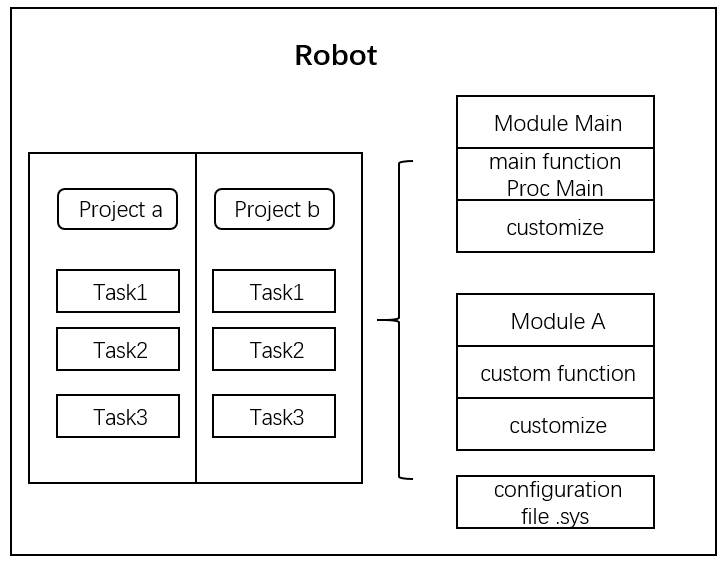
The interrelationship between projects, tasks, program modules, and functions is shown in the following:
|
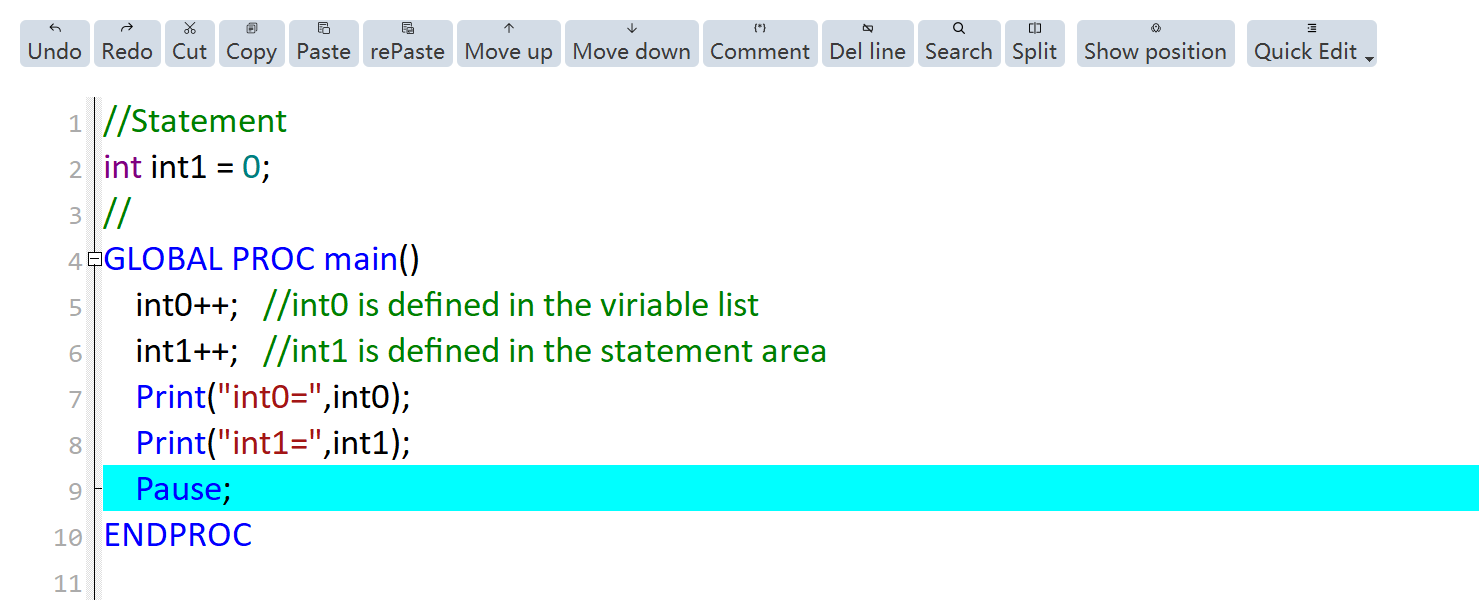
In each module, the code area located in front of the file and before the first function is called the declaration area, which is used to store variable declarations for the GLOBAL and LOCAL scopes. Variables defined in this area will be reinitialized each time the pptomain is executed. For example: int0 is defined in the variable list with an initial value of 0; while int1 is defined in the declaration area with an initial value of 0. When the loop runs, int0 is incremented by 1 after each run, and its print value is "1, 2, 3…"; while int1 will be reinitialized to 0 each time it runs, and its print value is "1, 1, 1…". |