9.4 User group
The xCore system is equipped with five levels of built-in users, which are Operator, Teacher, Programmer, Admin, and System based on their operating permissions.
After connecting to the controller, it defaults to logging in with operator permission. When switching to other permissions, a password needs to be entered.
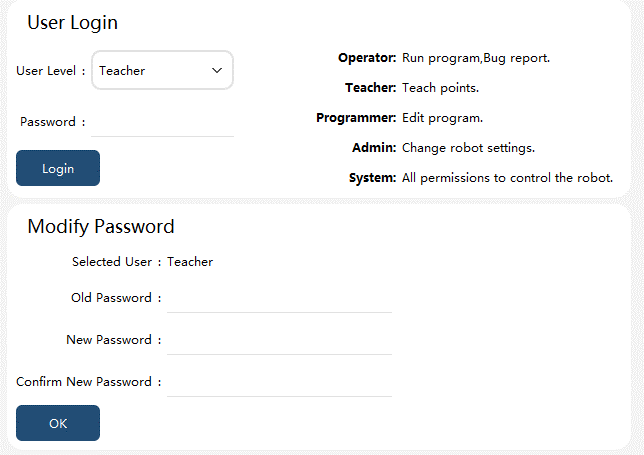
User |
Default Password |
Permission Description |
Operator |
None |
Run programs and report bugs |
Teacher |
123 |
Teach point positions |
Programmer |
1234 |
Edit program |
Admin |
12345 |
Change robot settings |
System |
123456 |
All permissions to control the robot |
Note:
-
A user of a higher permission level can modify the password of a same- or lower-level user.
-
Operator-level user passwords cannot be modified.
-
Switching from a high-level user to a low-level user does not require entering a password.
Please refer to the appendix for details of the permissions of each user group.